Exploring how AI-powered tools could enhance world-building workflows without sacrificing creative control.
Role
Project Lead
Industry
Entertainment
Duration
Sprint
Overview
EA asked us to explore how emerging AI technologies could support environmental artists while preserving the precision and authorship they rely on today. Specifically, they requested a narrative vision of what early-stage world-building might look like five years in the future.
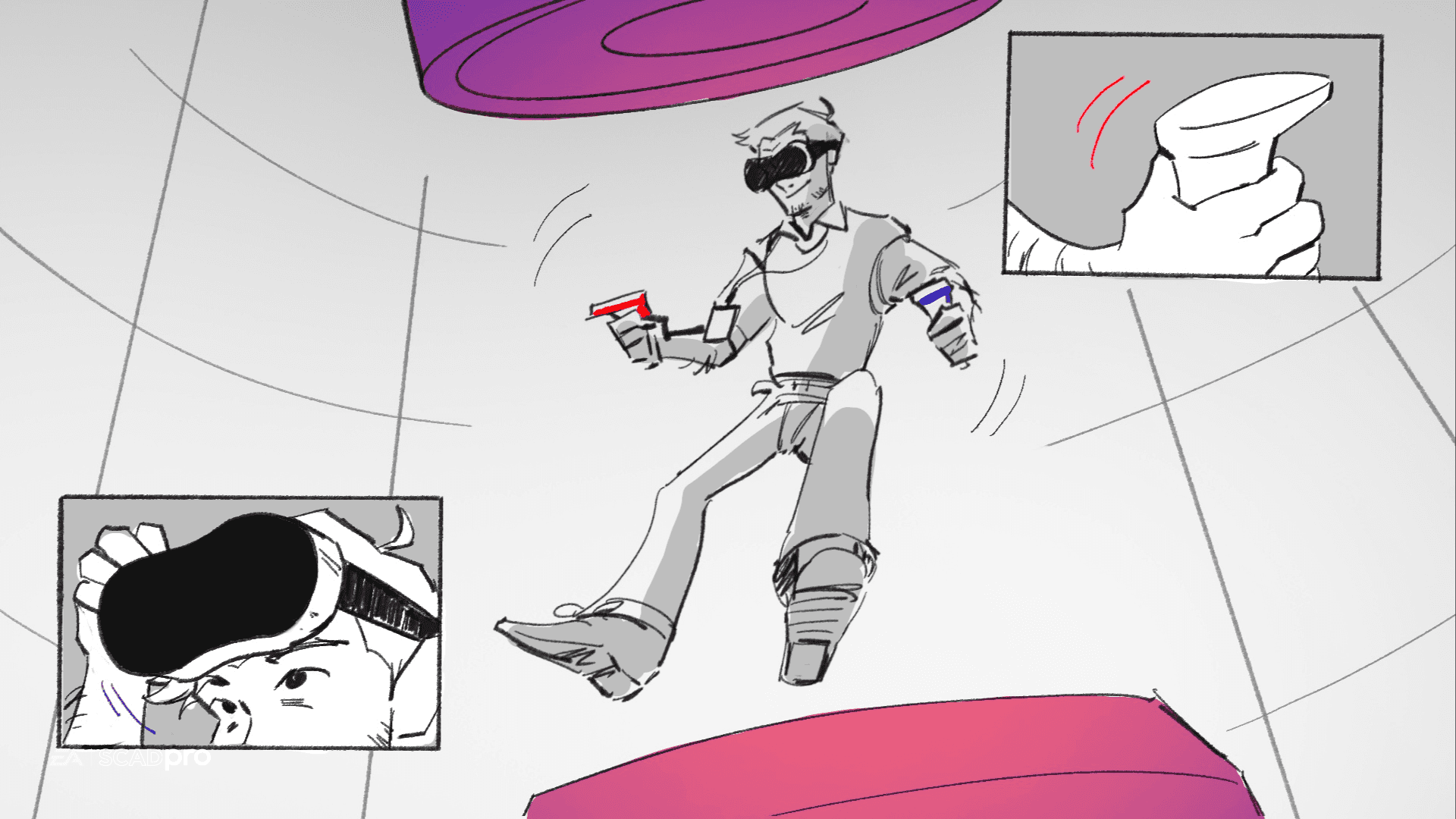
Our team delivered a narrative storyboard paired with a speculative interface system that visualized a more efficient future workflow. The concept demonstrates how AI-assisted tools could reduce production time, deliver more consistent quality, and streamline the design process—without diminishing the creative control of environmental artists or compromising the fidelity of their work.
Examining The Problem
Environmental artists and world-builders spend significant time on technically demanding tasks such as scaling environments, optimizing assets, and refining final details, often citing:
“Blocking a scene may be fast, but scaling it for production takes time.
80% of the work goes into refining the final 20% of details to achieve a level of fidelity and optimization.”
Research
To develop a comprehensive understanding of the process, we mapped the end-to-end world-building workflow using secondary research, expert insights from EA’s team, and production pipeline documentation.
We organized the workflow into Pre-production, Production, and Post-production, then extracted pain points within each phase.
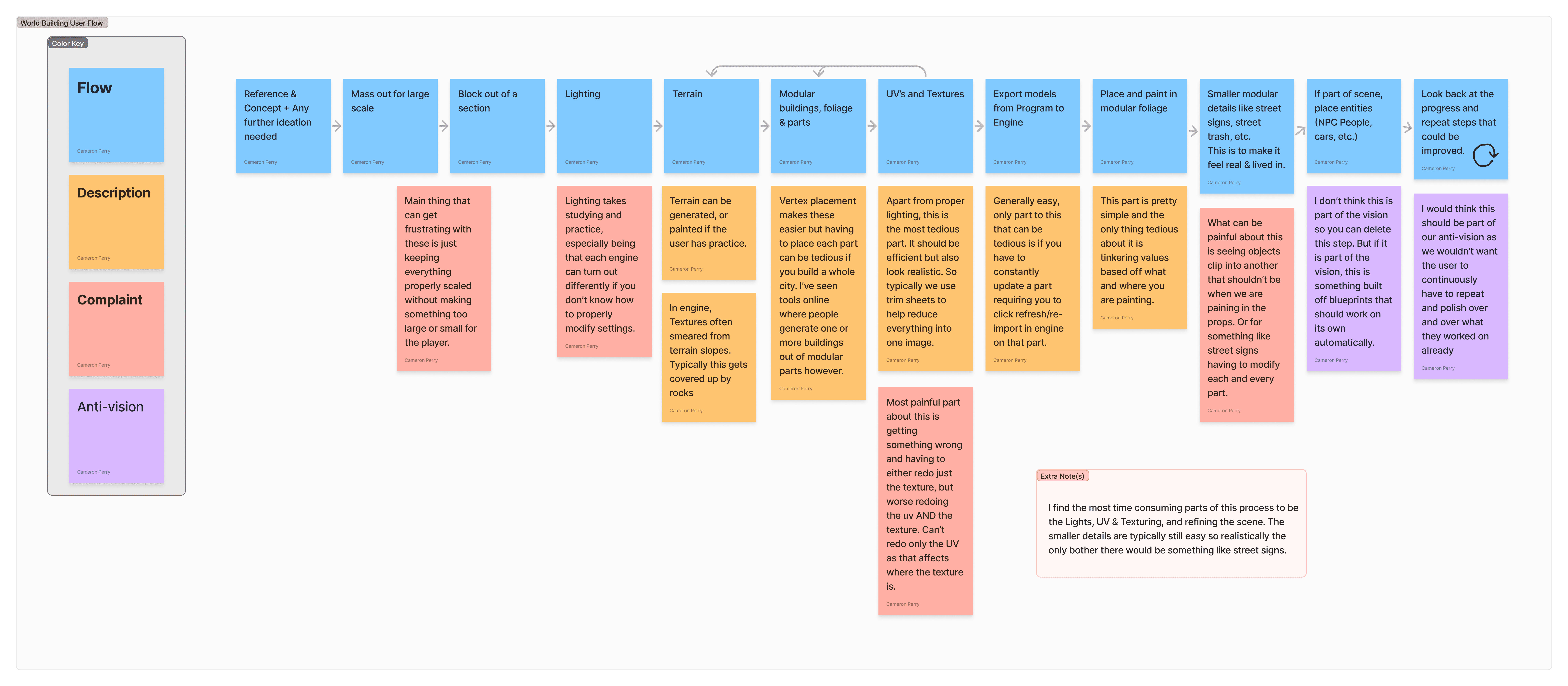
Through process analysis, we identified recurring friction caused by back-and-forth communication, bottlenecks, handoffs, and insufficient time for iteration, as highlighted in interviews:
"Concept artists hand us these complex cityscapes, then we have to scramble out into the real world to snap pictures just to capture authentic details that match..."
-Game Designer 20
"Us (Sound Designers) are always brought on last minute which makes setting sounds to enviroments more taxing"
-Sound Designer 1
"Pass over the post-processing, client notes, repetition cycle you want to avoid."
-Game Designer 9
"Sometimes I have to make 3 version of one model… lighting heavy loads on GPU rendering a scene."
-Game Designer 14
Once we surfaced more pain points than the scope allowed, I led a prioritization workshop to establish alignment on which problems to pursue. We revisited the project scope, removed out-of-scope issues, and refined our opportunity areas to align with EA’s strategic goals.
Pain Points
Frequent Revisions & Communication
Researching & Gathering Assets
Asset Modeling
High-Quality Refinement
Matching Sound to Environment
Intensive Light Rendering
Opportunity
Immersive Visualization
Efficient Time Usage
Real-Time Collaboration
Ideation
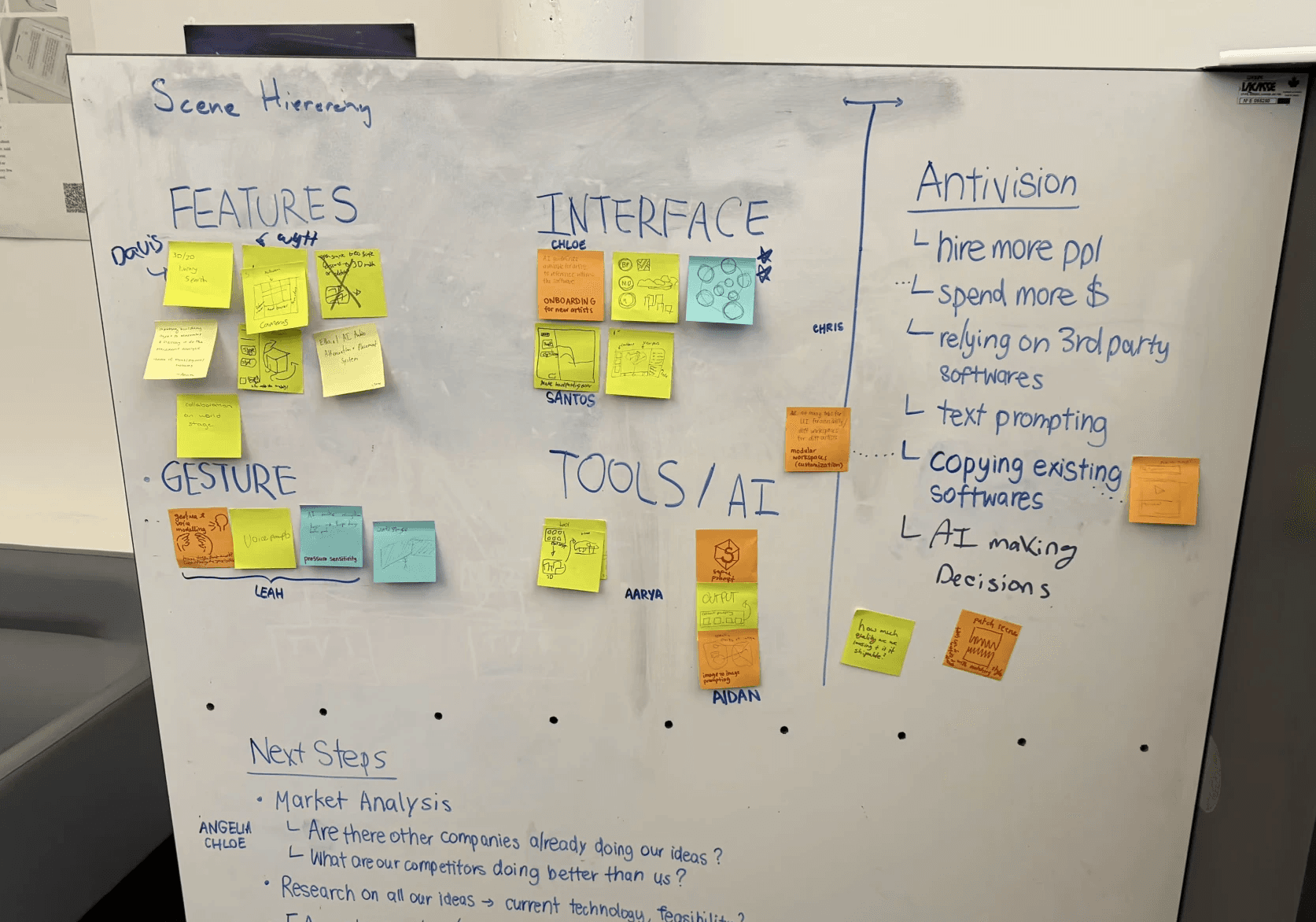
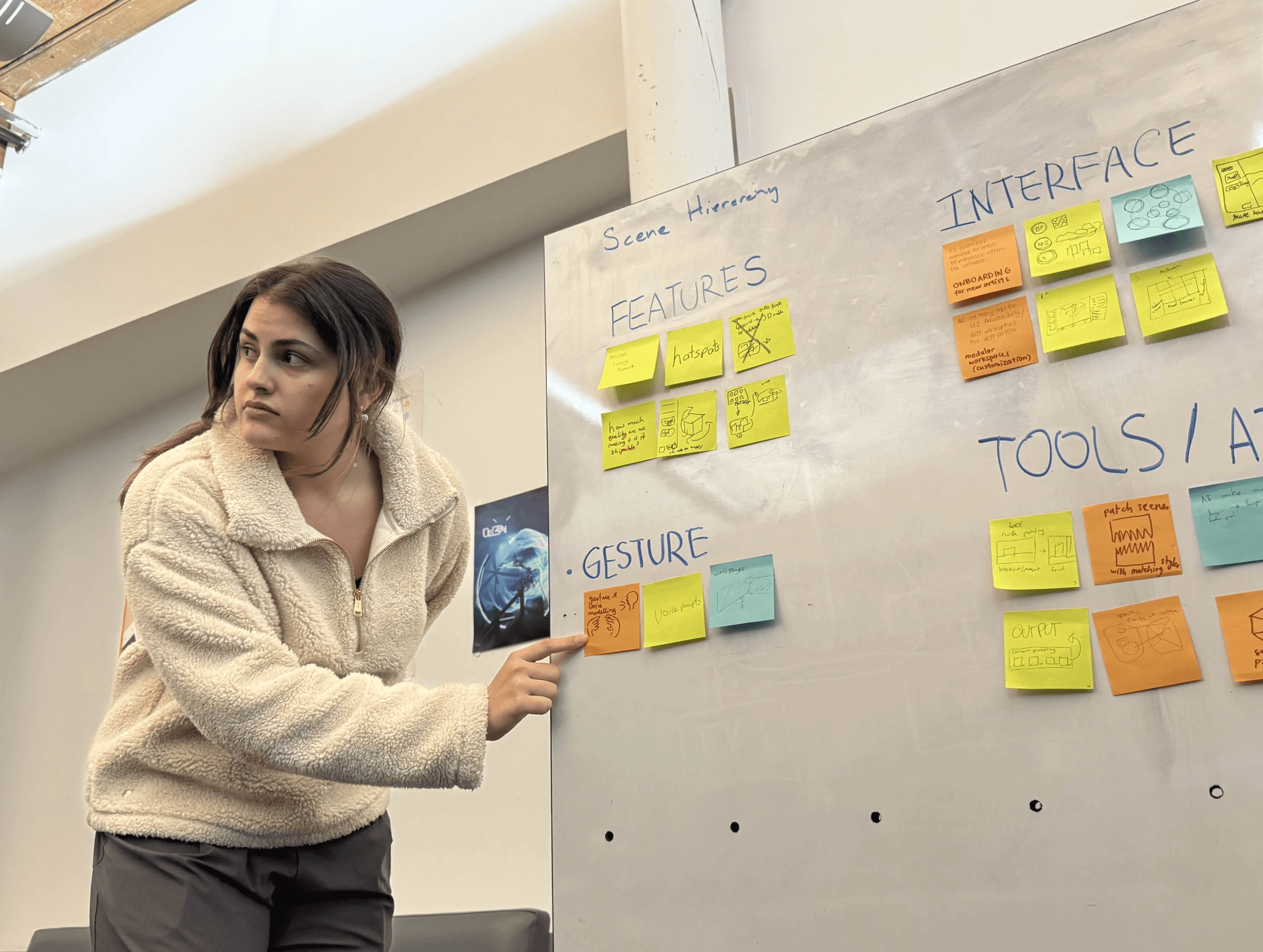
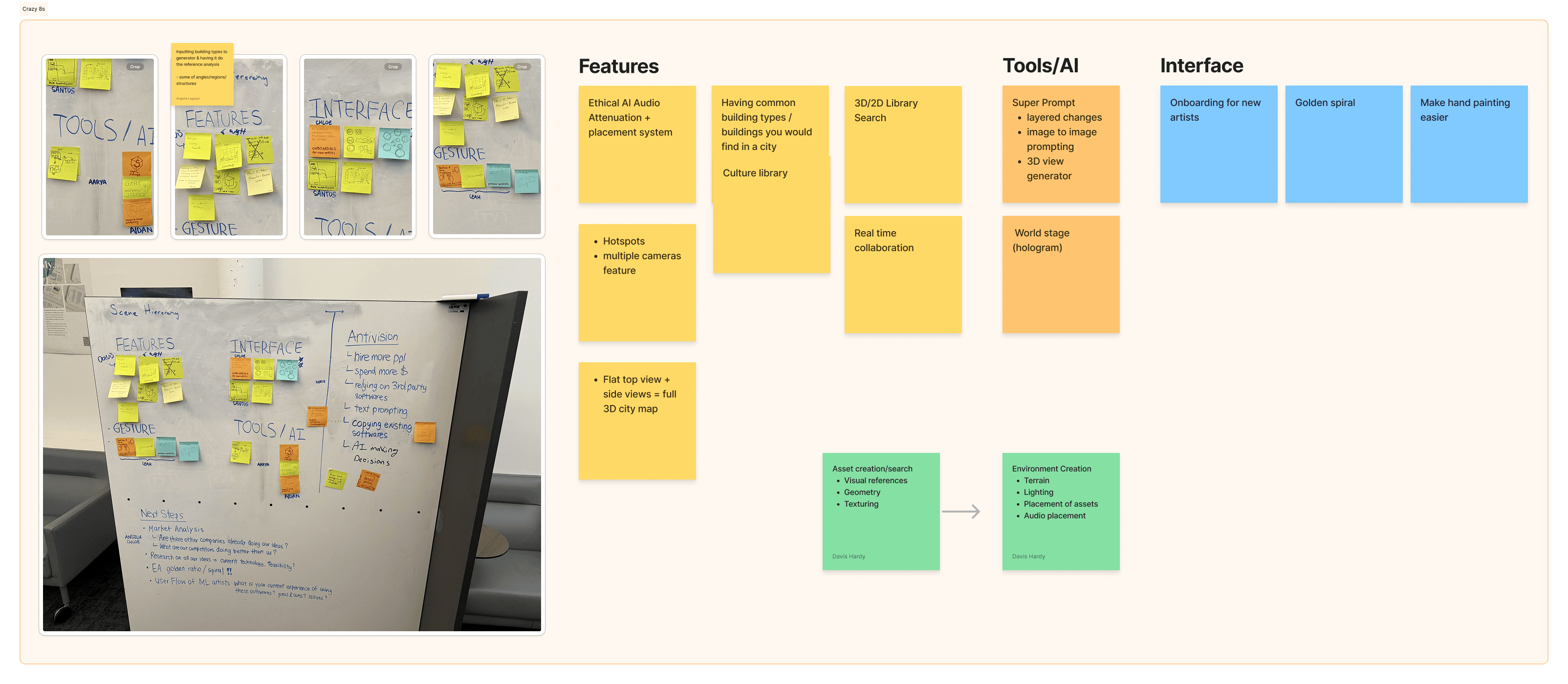
The team initially struggled to converge on a shared direction, so I introduced a structured ideation method (Crazy 8s) to unblock the process. This channeled the team’s enthusiasm into productive exploration, surfaced a wider range of ideas, and enabled us to synthesize concepts that balanced creativity with feasibility.
What form would this vision take?
My goal was to create an enduring design that remains valuable beyond the initial excitement of the technology. To support this, we ensured the product’s format and features directly aligned with our identified opportunity areas.
After discussing the technical and business limitations, we decided to:
Creating an Immersive Visualization…
With the ability to fully experience the world being created from a first-person perspective, allowing creators to evaluate scale, atmosphere, and detail in context.
That facilitates Efficient Time Usage…
Minimizing back-and-forth communication between artists, directors, and cross-functional teams. Streamlining decision-making so teams can respond faster and reduce production delays.
By Promoting Real-Time Collaboration…
Enabling teams to work simultaneously, encouraging immediate feedback and discussion while reducing the risk of misalignment or miscommunication.
Mid-Project Pivot (client feedback)
After our initial presentation, the client extended the project by one week and requested a clearer visualization of the features.
I realized that by focusing on a polished, professional format, I had produced a high-level presentation rather than an inspirational one. I quickly acknowledged this with my team, and together we stepped back and restructured the approach.
After analyzing client feedback, I prioritized the key issues:
Too many features, none fully communicated or strong enough individually
Confusion on how features would be used
Desire for a greater focus on creativity and breaking conventional barriers
I presented these insights to the team and collaborated on solutions:
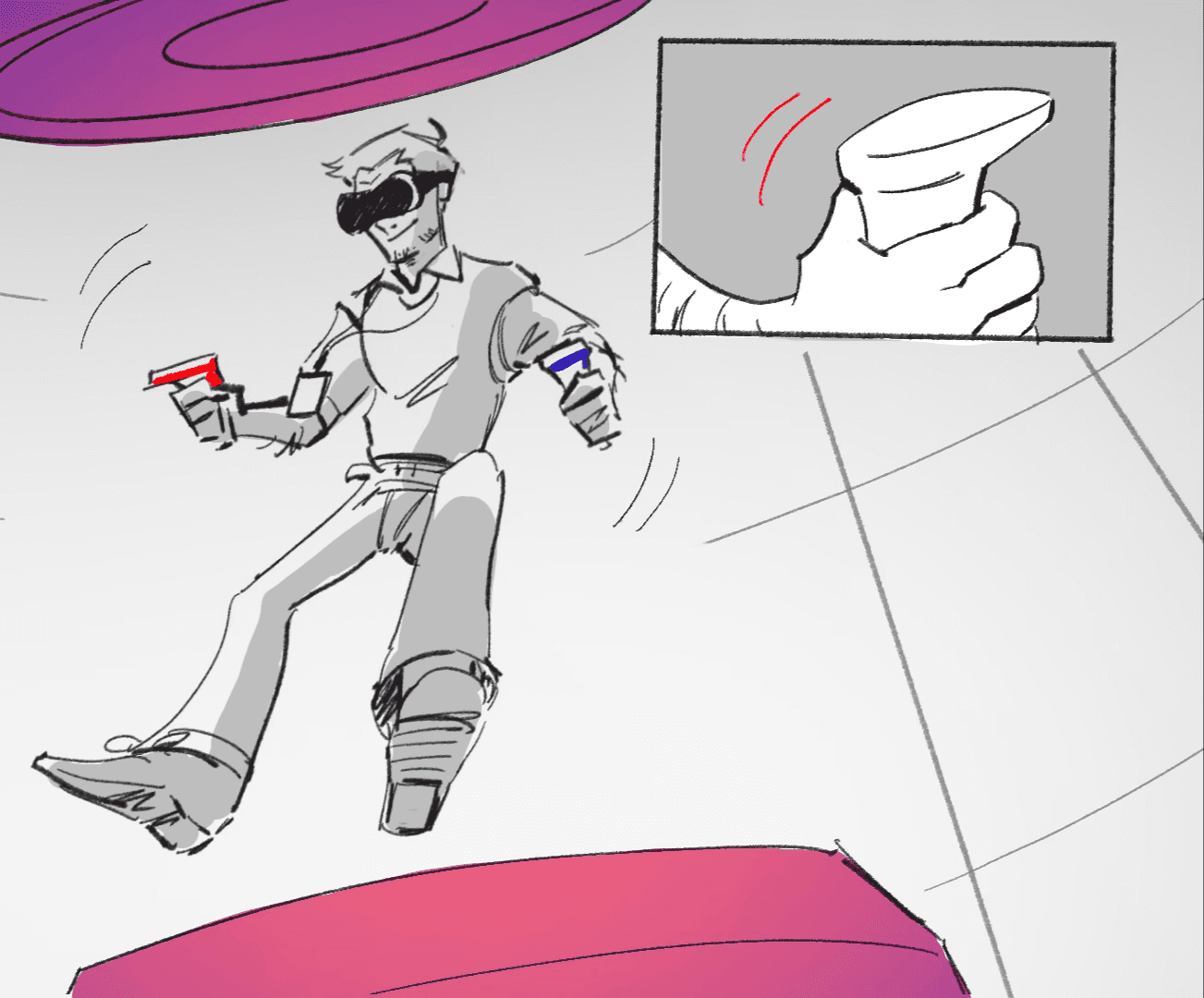
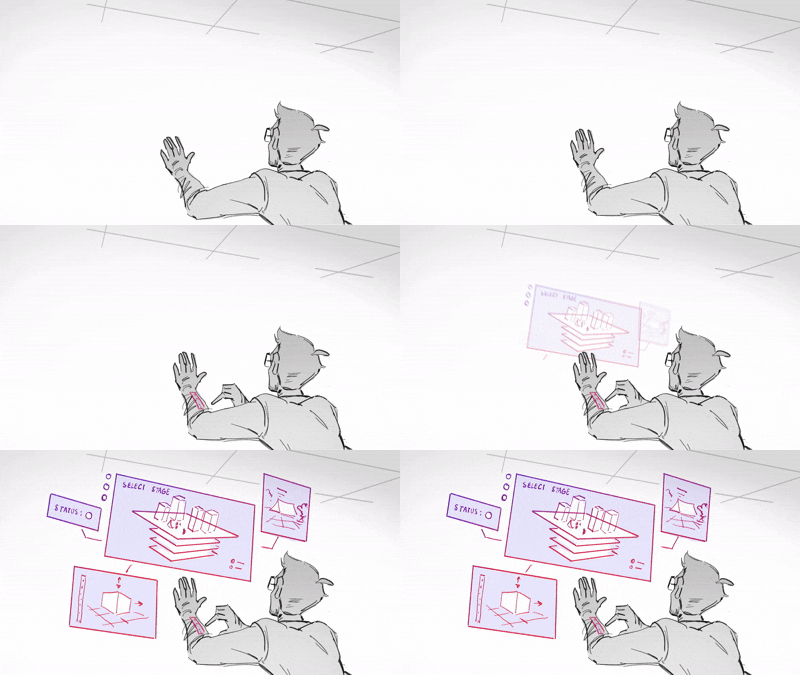
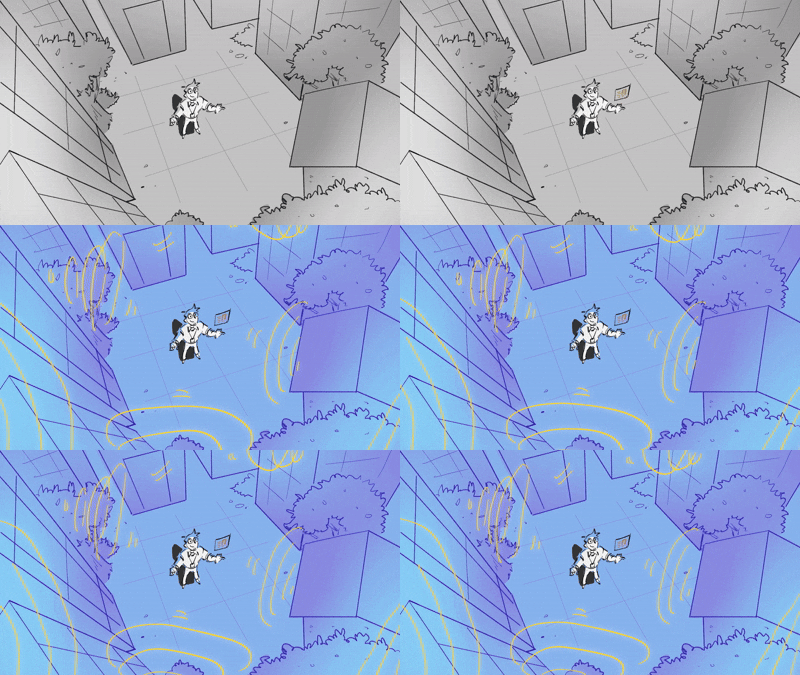
Developed a storyboard to guide the audience through the product and features, creating characters to establish an emotional connection
Refined the UI and integrated it with the storyboard, while providing a technical document detailing feature implementation to preserve the technical depth
Consolidated features to create stronger, more impactful ones, while reintroducing select experimental elements to emphasize creativity
Vision
How 3D world-building will look like in five years?
Impact
Company impact:
Creates a faster, more accessible world-building workflow that lowers onboarding barriers and supports rapid iteration.
Industry impact:
Provides a framework for how AI-powered precision tools could accelerate 3D world-building without compromising artistic control.
Outcomes & Reflection
Leading a team of this size pushed me to strengthen my facilitation, conflict-resolution, and cross-disciplinary communication skills. I learned how to maintain momentum, keep the team aligned under fast timelines, and adapt quickly to client feedback. Seeing both the team and the client genuinely excited about the final direction was incredibly rewarding.
Limitations
Time constraints: As a two-week sprint, we could not build a full interface or run usability testing.
• Research constraints: As students, we relied heavily on secondary research and expert accounts. Interviews and concept testing with current environmental artists or technical directors would have strengthened our insights and validated assumptions.